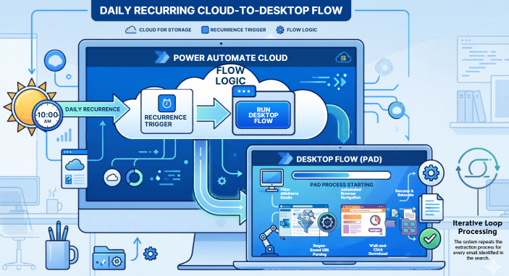
Purpose: reduce human in achieve file for audit.
Process: At final of approval complete flow, mail will send to robot mail then trigger from unread mail. Get url from mail body, open in browser and download attached file to designated local folder.
Set up requirement
- user must have premium license and install software for power automate desktop.
- set up folder in local network path for achieve.
Building Desktop flow:
1.Prepare variable
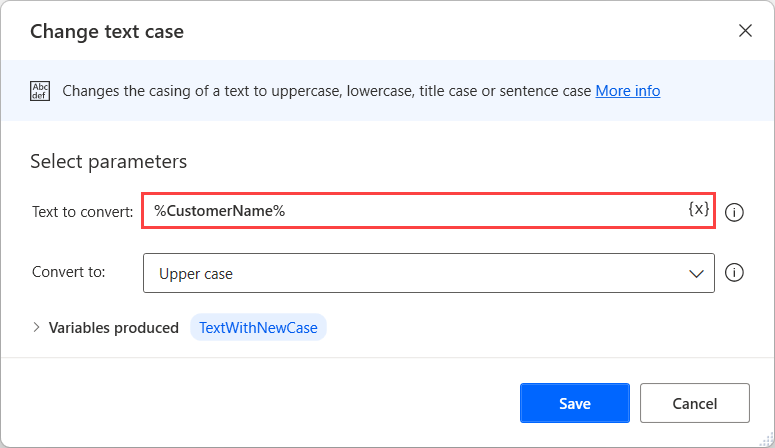
Variable value : "\\Parent_Folder\Sub_Folder"
Variable value : "\\Parent_Folder\Sub_Folder"
2.Outlook scope
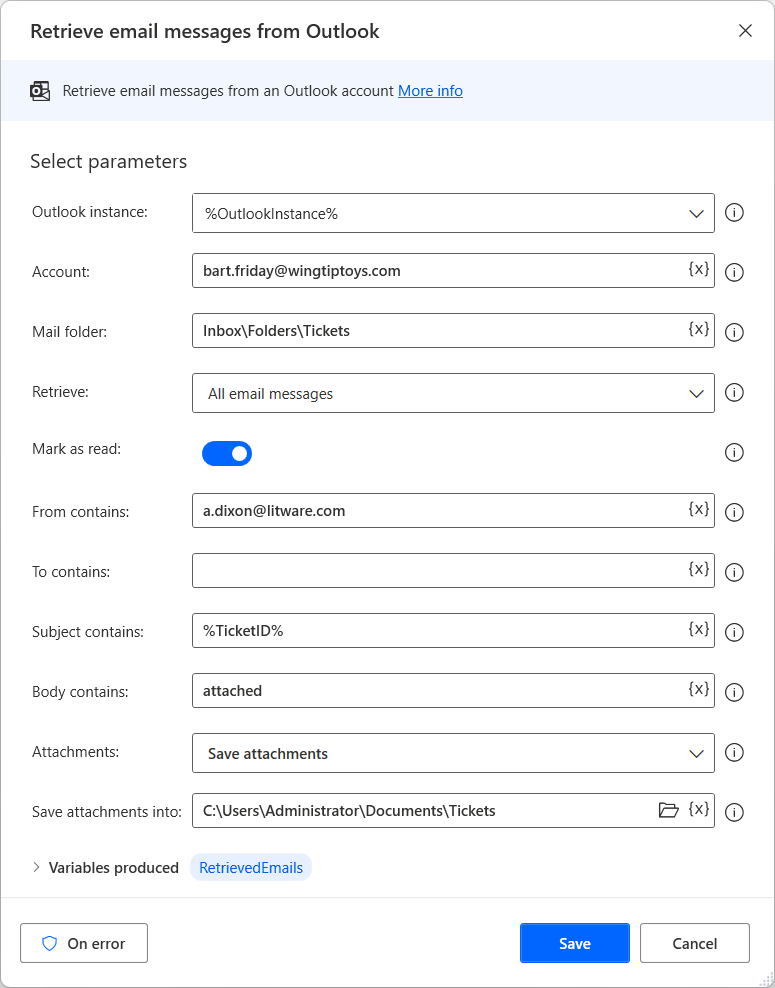
2. Action name : Retrieve email message from outlook .(Get **RetrievedEmails**) .
Outlook instance : %**OutlookInstance**% (from action 1).
Account : Your Mail account which connect with outlook.
Mail Folder : %GetMailFolder% (refer to variable which we create).
Retrieve : Unread email messages only.
Mark as read : Toggle-On
Variable name : body
Variable value : %CurrentItem.Body%
Text to parse: %body%
Text to find: https:\/\/namedummy\.domain\.com\/document_link\/[^\s"]+
Is regular expression : toggle=On
first occurrence only : toggle=On
3.Download file from browser
in case company hide a href url for file download.
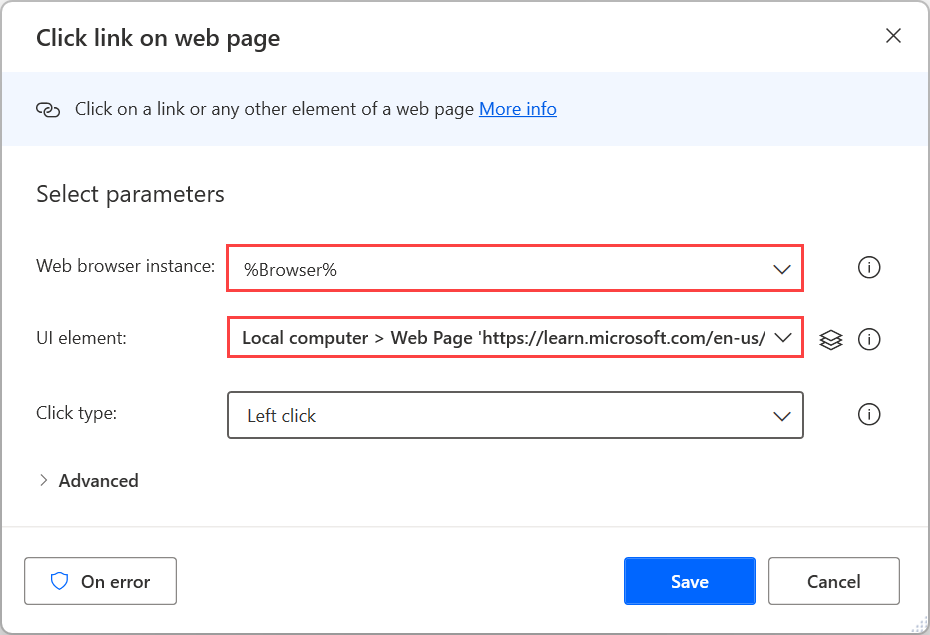
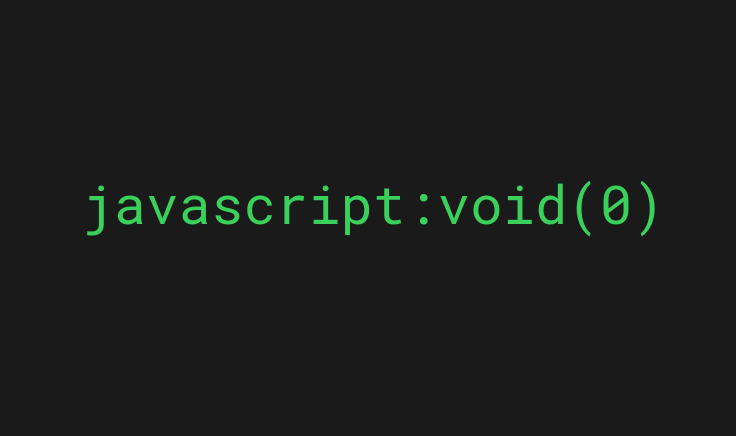 For case file link cannot get url directly, retrieve file will preform on click link to trigger download to local folder 'downloads'.
2. Action name : wait for 2 seconds.
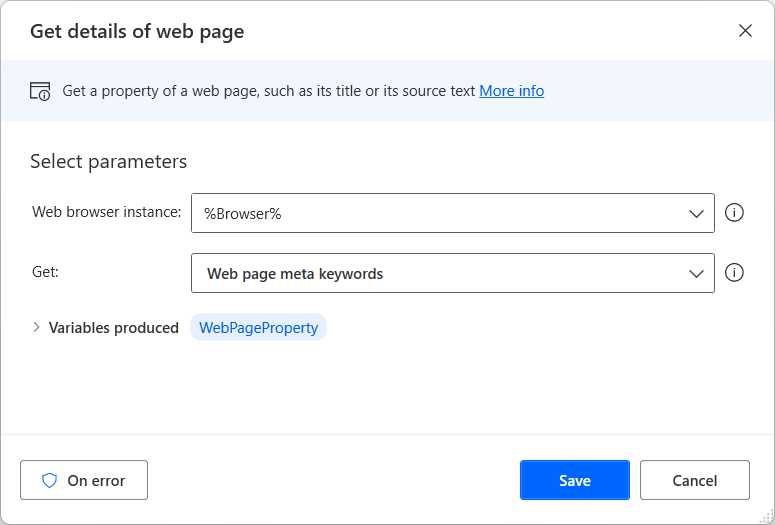
3. Action name : Extract data from web page %**browser**%. (Get **Extract_Dt**)
4. Action name : Retrieve data table column (Get **Extract_Dt**) in to list (Get **FilesName**).

var links = document.querySelectorAll('a');
var found = false;
for(var i = 0; i < links.length; i++){
if(links[i].textContent.trim() === '%CurrentItem%'){
found = true;
break;
}
}
return found;
4.Move file and folder
Add process inside for each loop
Inside if loop
2. Action name : Get files in folder 'download\' that match %Trimmed text% and store them into %Files%
3. Action name : Move file(s) from 'folder download\' %Trimmed text% to folder %DownloadFolder%
End if loop
5.Connect with cloud flow.
2. Open Cloud flow
3. Select recurrence on daily basis with fixed time.
4. Select action name : Run a flow built with Power Automate for desktop
Desktop flow: select publish desktop flow name to implement.
Run mode : attended (runs when you're signed in)
❤︎ · ⸜(。˃ ᵕ ˂ )⸝♡ · (˶ᵔ ᵕ ᵔ˶) · ⋆.𐙚 ̊ · ദ്ദി(˵ ̀ ᴗ - ˵ ) ✧ · ꉂ(˵˃ ᗜ ˂˵) · (˶˃𐃷˂˶) · ❤︎
Total save time vs human tasks is not much when consider to actual business impact but in long term where we have similar tasks which can deploy this flow in less than 10 minute will benefits users and more organize with standard flow.
Marked date 17 Apr 26 , I have read "The Book of Elon: A Guide to Purpose and Success" by Eric Jorgenson, Naval Ravikant and wanted to share this quote with you.
"Not every product needs to change the world. Many people do lots of useful things. Just ask yourself, is what I’m doing as useful as it could be? The goal of an organization should be usefulness to society. Not every product will change the world, but if it’s making people’s lives better, that’s great."
❤︎ · ⸜(。˃ ᵕ ˂ )⸝♡ · (˶ᵔ ᵕ ᵔ˶) · ⋆.𐙚 ̊ · ദ്ദി(˵ ̀ ᴗ - ˵ ) ✧ · ꉂ(˵˃ ᗜ ˂˵) · (˶˃𐃷˂˶) · ❤︎
Comments